

PC Bug Finder 1.0 is a tool that fixes hidden bugs and errors on your computer.
This tool restores performance and speed that has been lost over time after repair and fixes errors on the computer. This utility has no configurations to set it up. You just need to start the process and select which registry section do you want to check and repair, by default all are selected. The program will indicate you the status in each section and the number of problems found it in each section also.
This utility searches current keys registries and compare the current files to check if the key is still valid. The process can take some time to perform and will depend on the number of key registries in your system; however the process is very fast. At the end of the search PC Bug Finder will show you a report with the type of problem found it and its status and severity for each one of the problems. This trial version won´t let you repair the files found it until you buy it, so we cannot know how effective this tool is.
This tool also has a couple of utilities to speed up your computer and to speed up your Internet and both are a great add to this tool.
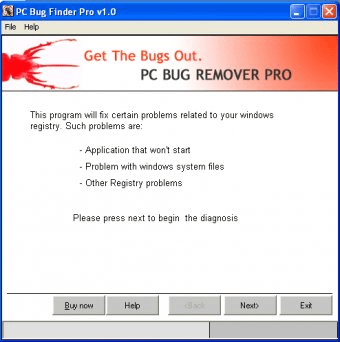
The GUI is very simple and easy to use. The installation process is very easy to perform. There is no documentation available for this trial version even in its website.
PC Bug Finder works on Windows platforms.




Comments